Face authentication against the enrollment
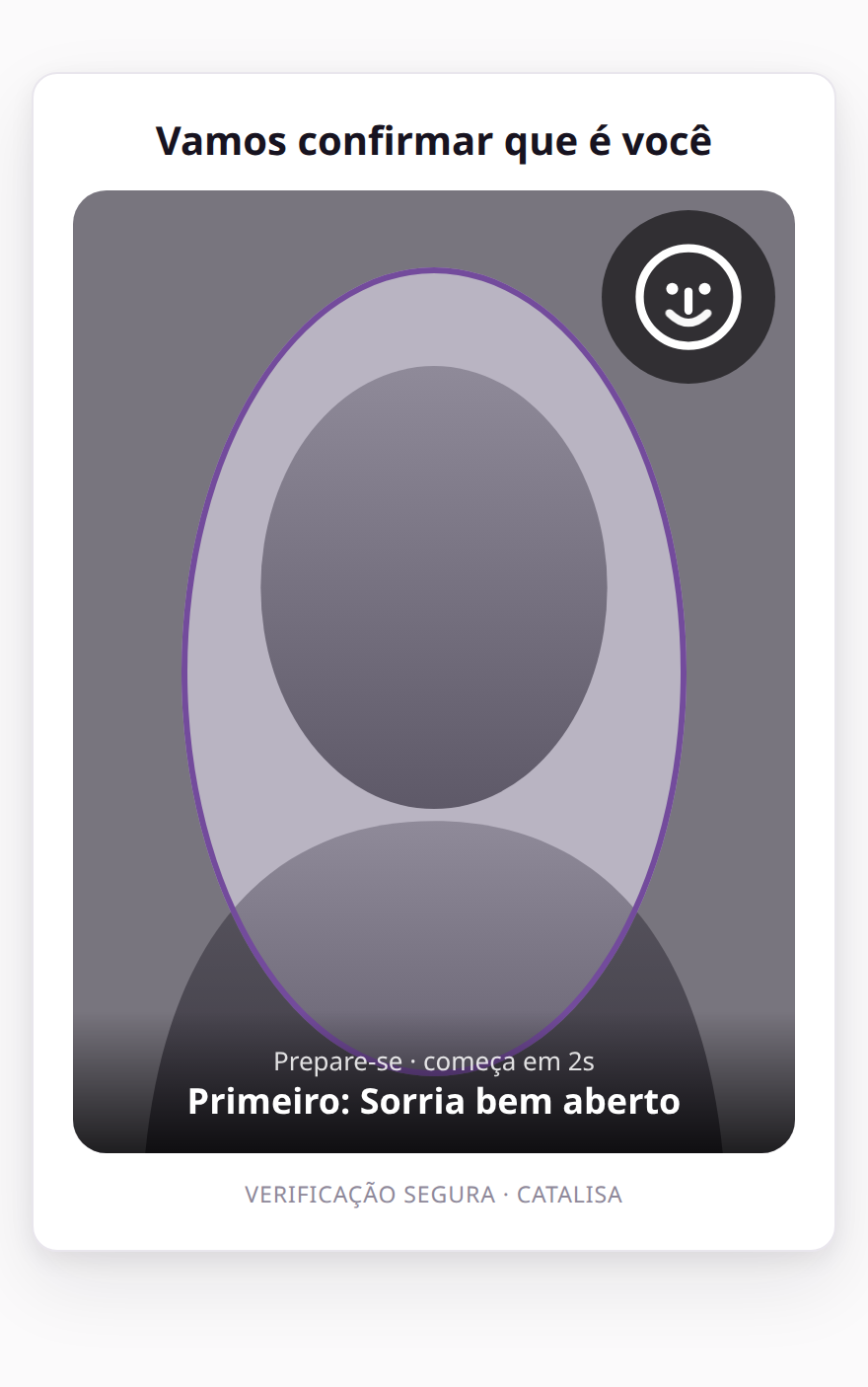
To confirm a sensitive operation, the person completes a liveness check and their face is matched against the face enrollment saved at account opening — not against the ID photo.
When to use it
- High-value transactionA Pix (Brazil's instant payments) transfer above the usual limit, a withdrawal, a transfer to a new account.
- Profile changeNew email, phone number or shipping address.
- New deviceFirst sign-in from an unknown phone.
- Account recoveryForgotten password with no access to email or SMS.
An out-of-pattern transaction
14:02Pix of R$ 4,800.00To: account added todayAbove your usual pattern
14:02Confirm with your faceTwo gestures, about 30 s
14:03Pix sent0.95 similarity to the enrollmentReceipt saved
Integration example: your app's screen, with Catalisa capture in the middle of the flow
What changes compared with the ID
We capture the enrollment ourselves, with liveness, on the same engine. Matching gets more accurate, and repeated attempts against the same CPF (Brazilian taxpayer ID) are locked for 30 minutes.
0.95similarity measured against the face enrollment
~8 sto evaluate the session on a phone
5 / 60 minfailures for the same CPF before a temporary lock